
Natural Retouching vs Overdone Retouching – How to Keep Photos Real
Retouching has become an essential part of modern photography. From portraits to weddings, every photo benefits from a polish. But there’s a fine line: natural retouching enhances beauty, while overdone retouching ruins realism. Many people have seen overly airbrushed faces, plastic-like skin, and unnatural tones in bad edits.
So how do you keep photos real when editing? In this blog, we’ll compare natural Retouching vs overdone retouching, and share how professional editors at Clipping Snap keep every photo authentic.
What is Natural Retouching?
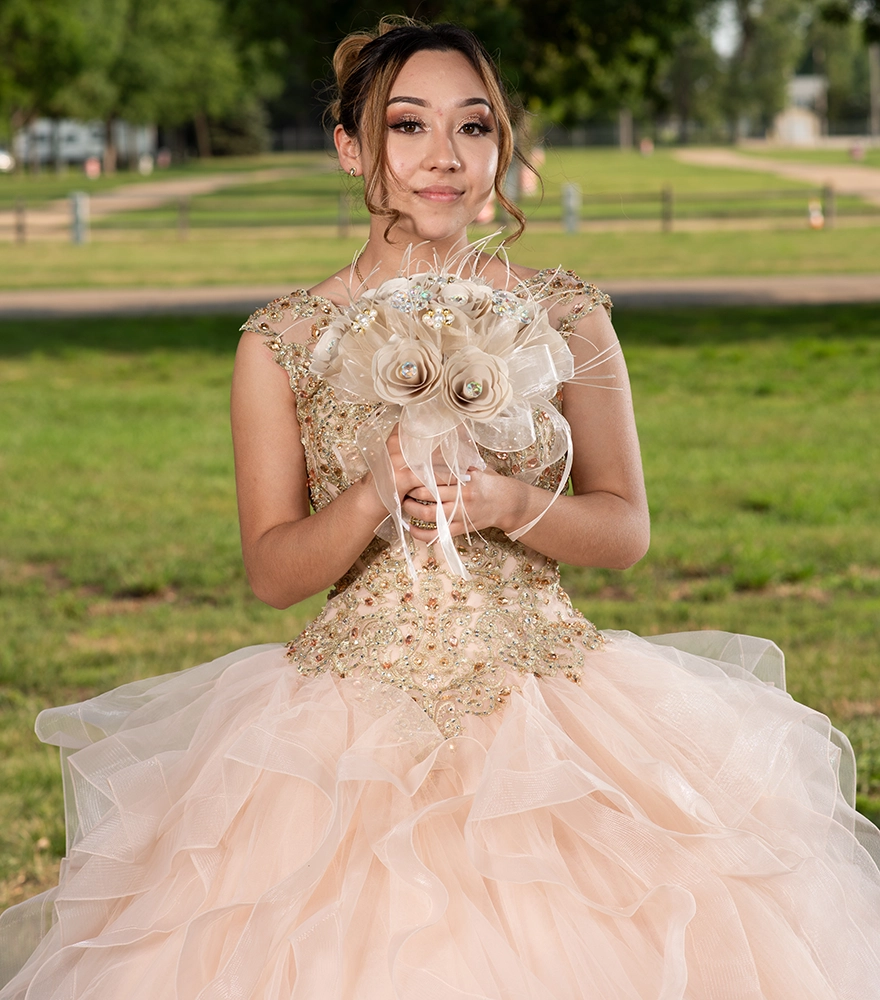
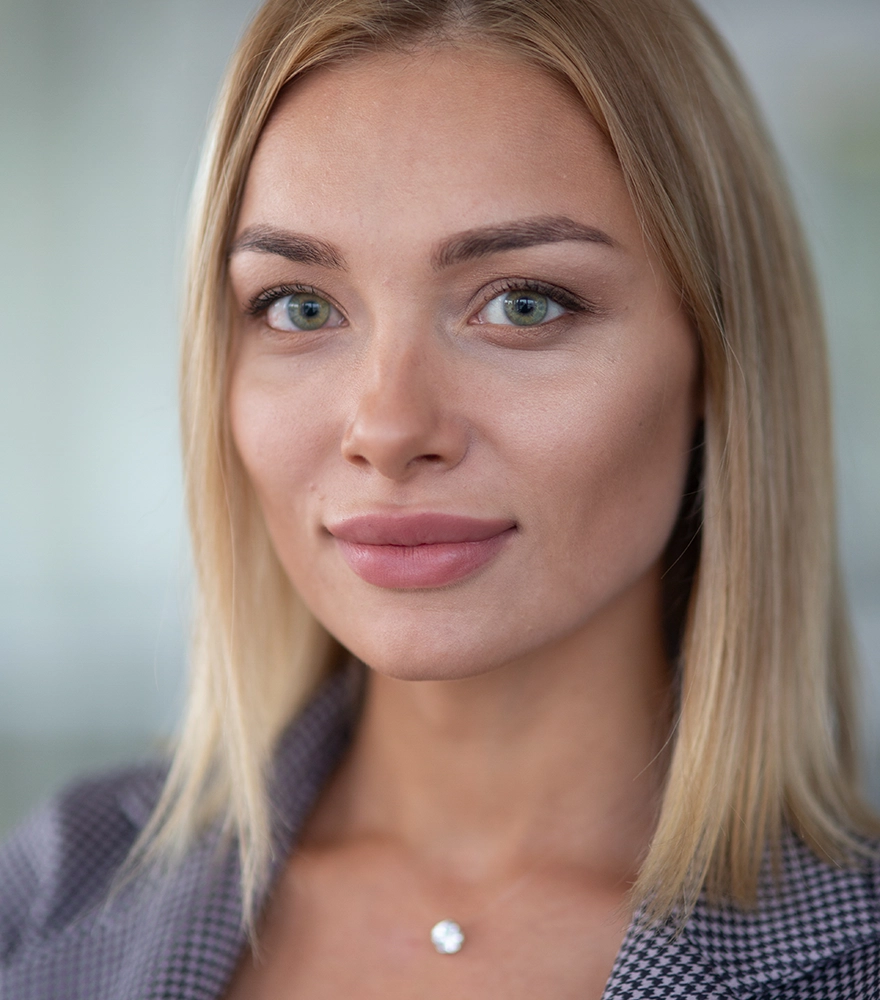
Natural photo retouching is all about subtlety.
- Skin is cleaned (blemishes removed, small scars softened) but texture remains.
- Lighting and tones are balanced, not drastically changed.
- The personality, age, and individuality of the subject stay intact.
Natural retouch makes a person look like the **best version of themselves**, not like someone entirely different.
What is Overdone Retouching?
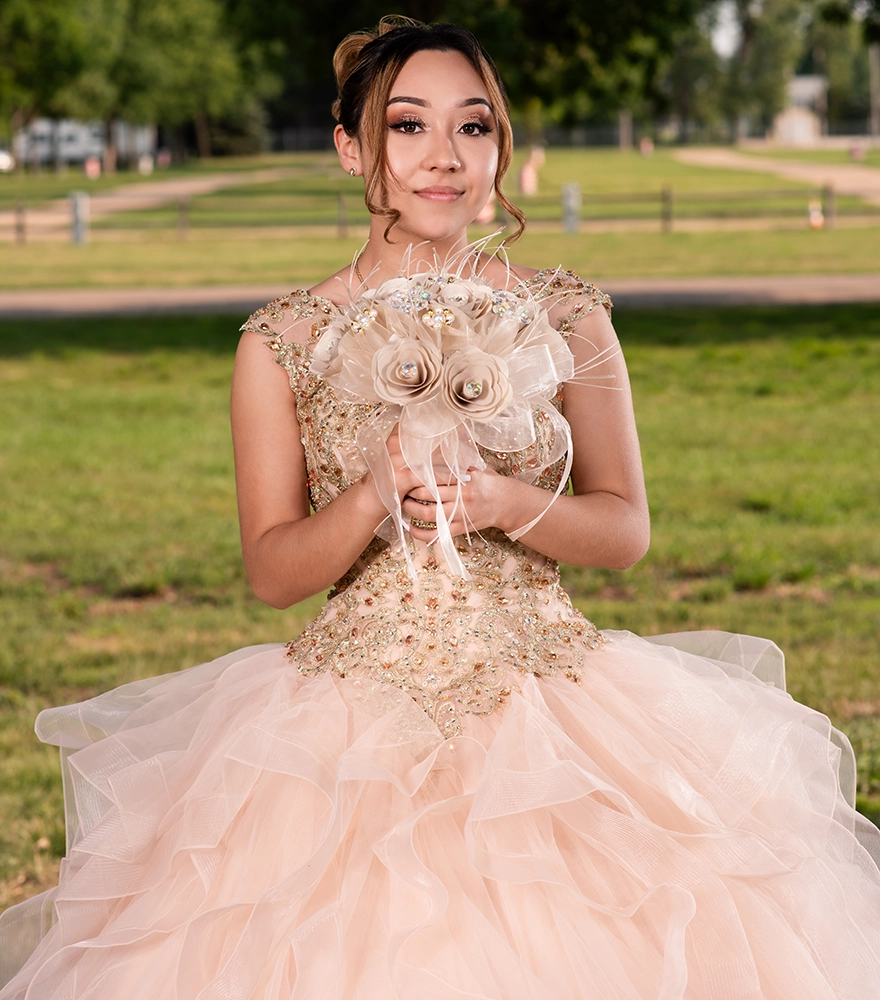
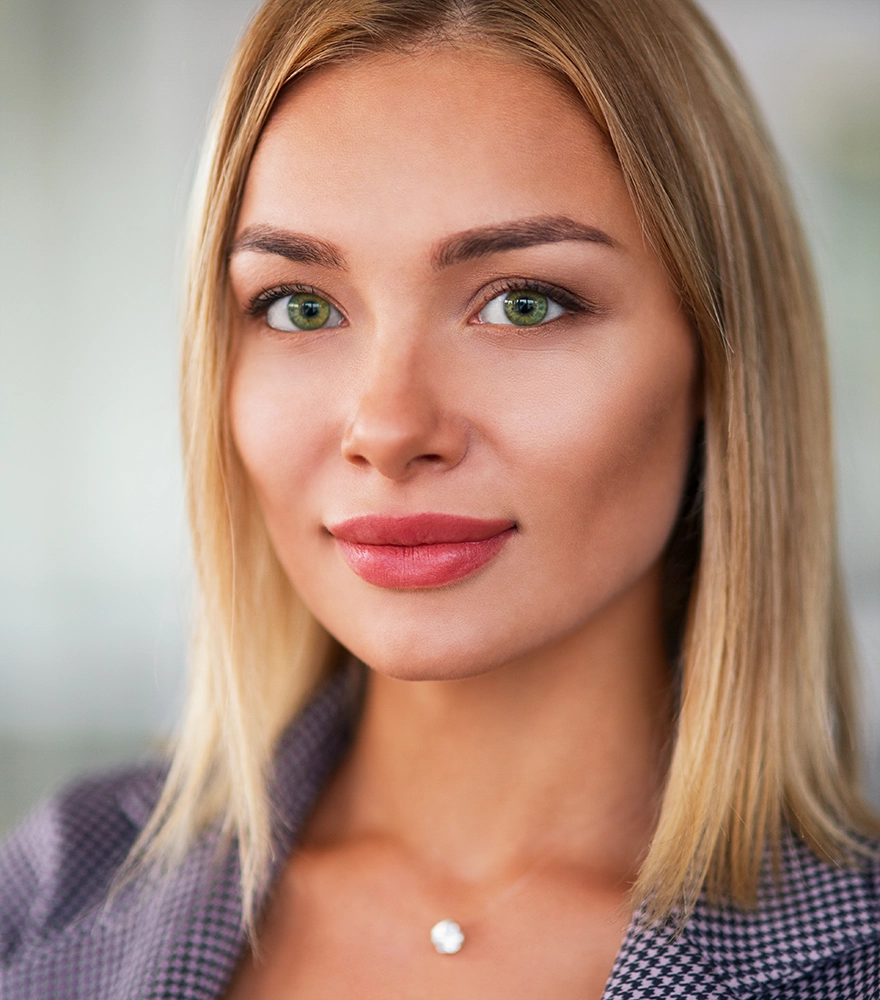
Overdone retouching goes too far and creates unnatural results:
- Skin looks plastic, waxy, or blurry.
- Eyes and teeth are unnaturally bright.
- Body and facial shapes are drastically altered.
- Every tiny wrinkle or mole is erased
Such edits make clients feel disconnected from their own photos. For commercial work, it reduces credibility—viewers don’t trust images that feel fake.
The Dangers of Overdone Retouching
1. Loss of Authenticity
Photos should reflect reality. If editing changes a person’s natural look too much, it feels dishonest.
2. Negative Client Reaction
Clients want to look good, not unrecognizable. Overdone retouching often leads to complaints and dissatisfaction.
3. Reduced Commercial Impact
In advertising, authenticity sells. Plastic, fake-looking images weaken trust in products or services.
How to Keep Retouching Natural
1. Preserve Skin Texture
Don’t blur skin completely. Keep pores and natural texture visible.
2. Adjust Colors Subtly
Fix tones, but avoid oversaturation or extreme whitening.
3. Enhance, Don’t Replace
Soften wrinkles instead of erasing all. Brighten eyes, but don’t turn them glowing white.
4. Match Style With Context
Corporate portraits → subtle & professional edits.
Fashion campaigns → more stylized, but still realistic.
The goal is balance, not perfection.

Natural Edit
Minor blemish removal, tone balanced, slight teeth whitening, background softened. Bride looks radiant yet natural.
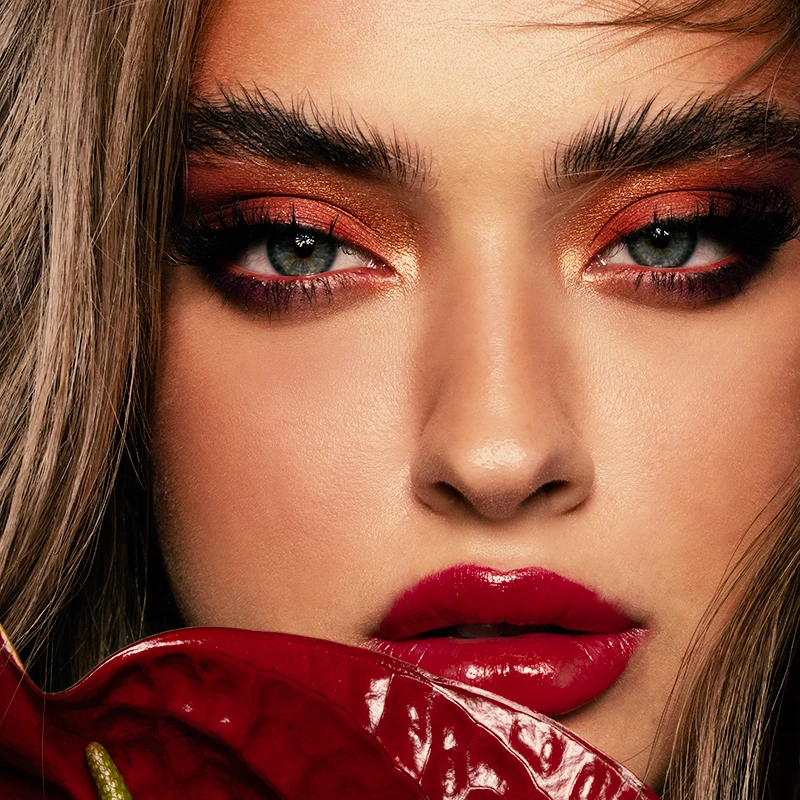
Overdone Edit
Skin airbrushed to plastic, body made slimmer, eyes overly sharpened. Result? Fake & unattractive to viewers.
Why Choose Clipping Snap for Natural Retouching?
At Clipping Snap, we guarantee natural edits by blending AI precision + manual artistry:
✅ Realistic portraits (skin, tone, light balanced)
✅ Wedding & event retouching with authenticity
✅ Product & model edits without gimmicky filters
✅ Bulk editing handled with consistent quality
✅ Free trial – judge our natural style yourself
See Our Portrait Retouching Services
FAQ on Retouching Style
Our editors follow professional guidelines—enhance beauty, but never erase reality.
Yes. We can customize style, but we always recommend keeping it natural.
Definitely. Whether it’s editorial, glamour, or corporate—we’ll retouch accordingly while keeping it professional.
Final Thoughts
Retouching should enhance, not replace reality. Natural edits preserve uniqueness and trust, while overdone edits harm both the client’s satisfaction and brand image.
At Clipping Snap, our mission is to give you flawless yet real-looking photos that clients love and trust.
Ready to see the difference?